

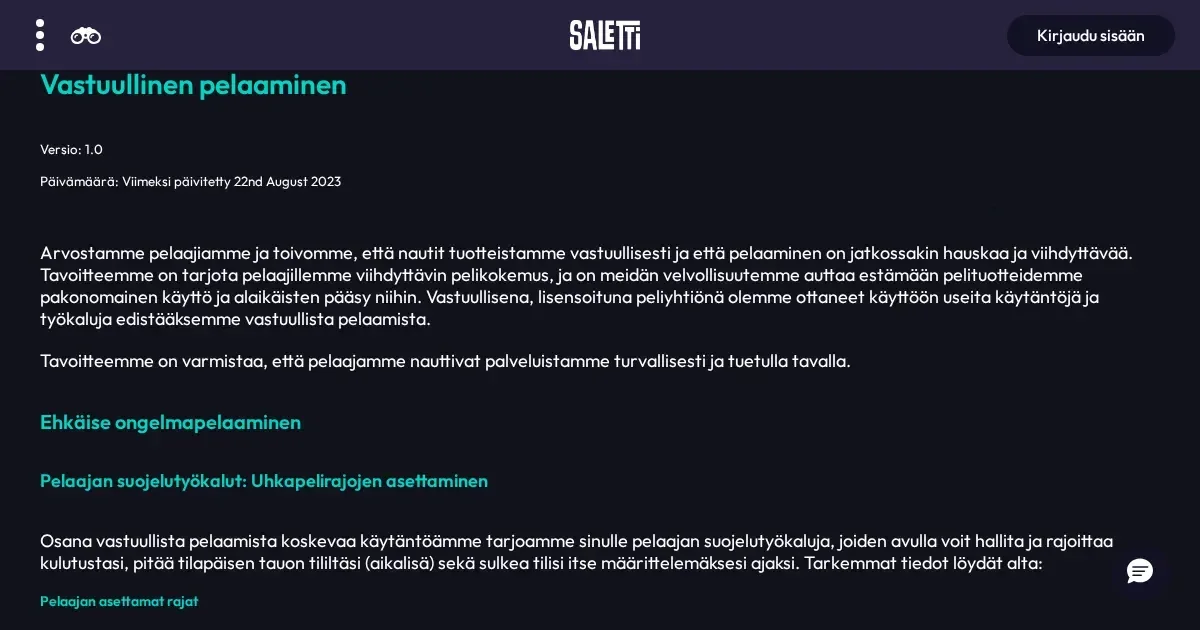
Saletti operates as a browser-based platform, which means you reach it from a phone the same way you would on a desktop – by typing the address into your mobile browser. No app download is involved, and the same account works across devices.
Where mobile play falls short
A phone screen measures a fraction of a desktop monitor, and that compression shows. Live casino tables with detailed betting layouts become harder to navigate – tapping the right chip denomination or confirming a bet can mean zooming in, which interrupts the flow of a round. Multi-hand games and tables with side bets magnify the problem.
Customer support on mobile presents a similar squeeze. The live chat window occupies much of the screen, and switching between the chat and another page – checking a transaction, reading a term – forces you out of the conversation. Email remains the easier option when you need to reference something while writing. Saletti's support channels are live chat and email at [email protected], and both work on mobile, though chat is less comfortable on a small display.
Verification uploads can be awkward. Most phones now take high-resolution photos, but if you need to scan a utility bill or crop a bank statement, you're doing it on a touchscreen with limited workspace. The process works, but it's slower than handling it from a computer with a proper file manager.
Battery, data and session length
Casino sessions drain battery faster than most other mobile activities. Live games stream video continuously, and even slot animations keep the GPU engaged. A 10% charge at the start of a session is a mistake – you'll hit the low-battery warning mid-round, and an unexpected shutdown can leave a bet unresolved.
Data consumption matters if you're not on Wi-Fi. Live dealer streams run at variable quality depending on your connection, but even a moderate-quality feed can burn through several hundred megabytes in an hour. Slots use less, though titles with dense graphics and frequent bonus triggers still add up over a longer session. Playing on a capped mobile plan without tracking usage is a route to an expensive surprise.
Session length on a phone tends to be shorter by default – a bus journey, a lunch break, a few spins before bed. That's not inherently a problem, but it can encourage quick top-ups and impulsive deposits when a session ends sooner than planned. Setting a deposit limit or a loss cap before you start playing is more useful on mobile than on desktop, precisely because the device is always within reach.
Reaching Saletti from a phone
Access works through any mobile browser – Chrome, Safari, Firefox or Edge. The steps are straightforward:
- Open your browser and navigate to the operator's own domain.
- Log in with the same credentials you use on desktop.
- The homepage adapts to the narrower screen, with the game lobby and account menu accessible from a slide-out panel.
No separate registration is required. If you've already verified your account on desktop, that status carries over – you won't be asked to upload documents again unless the operator's security team requests updated proof of identity or address.
What the operator provides on mobile
Saletti's library of over 2,500 games is accessible from a phone, covering slots, live casino, table games, Megaways and scratchcards. The search and filter tools work as they do on desktop, though scrolling through hundreds of titles on a 6-inch screen is slower than clicking through pages with a mouse.
The cashier is fully functional. Trustly handles both deposits and withdrawals, and the same limits apply – a minimum deposit of 20 EUR, a minimum withdrawal of 20 EUR, and a weekly cap of 5,000 EUR. Trustly's own mobile flow is efficient: authenticate with your bank, confirm the amount, and the transaction processes in minutes. VIP players eligible for higher withdrawal limits see those reflected on mobile as well.
Support channels carry over. Live chat opens in a pop-up window, and email queries sent from a phone reach the same [email protected] inbox. The operator aims to reply to emails within 24 hours, regardless of the device you used to send them.
What works well on a small screen
Single-line slots and simple table games translate cleanly to mobile. Titles with large, distinct buttons – spin, collect, bet – don't require pinpoint accuracy, and full-screen portrait mode on a phone actually brings the action closer than a desktop monitor positioned two feet away. Autoplay and quick-spin features are easier to toggle on a touchscreen than with a mouse.
Account settings and transaction history remain clear. Balance, pending withdrawals and recent deposits appear at the top of the account page, and past bets are listed in reverse chronological order. Checking a withdrawal status or confirming that a deposit arrived takes seconds.
Responsible gambling tools are accessible from the account menu. Saletti provides deposit limits, spend limits, loss limits, timeout and self-exclusion – all adjustable from a phone. Setting a daily loss cap before a session, rather than after you've already lost more than planned, is the way these tools are meant to work, and mobile puts them within reach the moment you think of it.
A short checklist before playing on mobile
A few practical points are worth checking before you start a session from a phone:
- Connection stability. Live games over a patchy 4G signal will buffer and disconnect. Wi-Fi is preferable, and a wired connection beats Wi-Fi, but that's rarely an option on a phone.
- The correct web address. Typing a brand name into a search engine occasionally surfaces lookalike domains or affiliate redirects. Bookmark the operator's own site after your first visit.
- Shared devices. If another person uses the phone, sign out after every session. Staying logged in leaves your balance and transaction history visible to whoever picks up the device next.
- Battery and data allowance. Check both before committing to a longer session, especially if you're playing live games away from Wi-Fi.
Responsible mobile play
A phone is the device you carry everywhere, which makes casino access frictionless – and that ease cuts both ways. Gambling should be a conscious choice, not something you fall into during a dull moment. If you find yourself opening the site automatically when you're bored, or playing in situations where you wouldn't have bothered on a computer, those are patterns worth noticing.
Setting limits through the operator's tools is a start, but it only works if the limits are binding before the session begins, not adjusted mid-play. Deposit caps, loss limits and session reminders exist to interrupt momentum – use them that way. Free, confidential support with gambling is available 24/7 through GamCare at 0808 8020 133, and BeGambleAware provides resources for anyone who feels their play has stopped being entertainment. You must be 18 or over (18+) to gamble.
This page is for information and marketing purposes only. We are not a casino operator, a bookmaker or an organiser of gambling. Access to this content is restricted to persons aged 18 and over (18+). We encourage you to gamble responsibly – for free, confidential support visit BeGambleAware.org.